Interactive 3D
Let people see the product in their own space
I design a web-based augmented reality path for compatibility, permission, placement, scale, and a useful fallback.
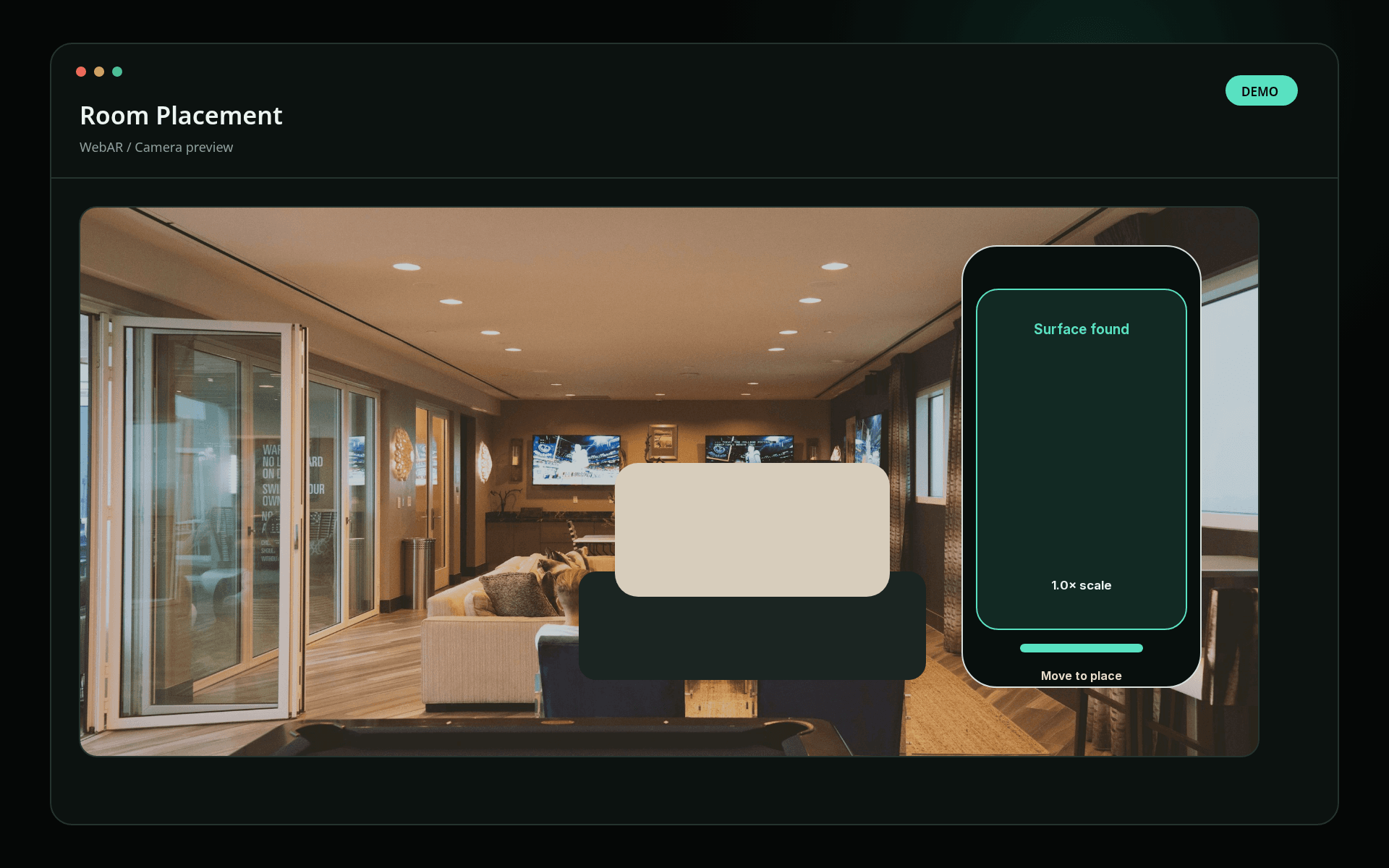
Plan the WebAR pathStaged example; no client data is shown.
A practical example
See a representative webar experiences context without client data or implied results.
What it is
Web-based augmented reality (WebAR) opens in a compatible browser and places a digital product in the viewer’s surroundings.
The problem
Buyers may understand a product image yet remain unsure about its scale, placement, or fit in a real environment.
Best fit
- furniture and spatial products
- campaigns needing low-friction AR
- teams validating an augmented-reality concept
What improves
WebAR experiences for checking product scale and placement without installing an app.
Main result
People can evaluate scale and placement in context before taking the next step.
Clearer experience
The spatial visual supports a real product or communication decision.
Dependable delivery
Quality adapts to device capability, reduced motion, and save-data preferences.
Possible scope
- TresJS scene direction
- procedural geometry and shaders
- scroll or pointer interaction
- static fallbacks and performance tiers
Before work starts
- Every scene follows an agreed frame, memory, and device budget.
- Searchable content and core actions remain usable without WebGL.
How I work
Understand
I clarify the users, business need, constraints, and available evidence.
Shape
I turn that context into a practical structure, prototype, and delivery plan.
Build
I implement the interface in testable slices, checking accessibility and performance.
Ship
I verify agreed flows, document ownership, and prepare a controlled release.
Clear ownership
I lead product thinking, UX, frontend engineering, accessibility, performance, and delivery. Backend, infrastructure, security, content, and domain specialists join when the work needs them. AI supports research, iteration, QA, and documentation; people remain accountable for decisions and release quality.
Common questions
- What can customers evaluate with WebAR?
- Web-based augmented reality (WebAR) opens in a compatible browser and places a digital product in the viewer’s surroundings.
- Which products are a good fit for browser-based AR?
- This service is best suited to furniture and spatial products, campaigns needing low-friction AR, teams validating an augmented-reality concept.
- What can a WebAR delivery include?
- A typical scope can include TresJS scene direction, procedural geometry and shaders, scroll or pointer interaction, static fallbacks and performance tiers. The final scope is agreed before work begins.